A domain name is like a street address, while hosting and servers are the physical buildings—the places where websites are stored and operated. They are essential components for building a website.
For small-scale startup sites, corporate websites, or marketing showcase sites, regular hosting can fully meet the initial operational needs. Upgrading to a dedicated server only when the site grows and experiences heavy traffic is the most cost-effective approach.
Hosting offers advantages such as affordability, simplicity, and easy maintenance. So, how can you choose the right hosting solution?
After years of careful selection and personal experience, I highly recommend this hosting provider: Best WordPress Hosting
It offers numerous advantages, including:
1.Multilingual control panel—no need to be fluent in English to operate and manage it seamlessly. Simply select your native language from the language switcher in the top-right corner of the website.
2. No coding required throughout the entire process. You don’t need any programming or coding knowledge—all you need is a browser to operate this host.
3.Specifically optimized for WordPress, it enables one-click installation of the WordPress core without uploading installation files. The entire process is seamless, with full automation from installation to subsequent upgrades and maintenance.
4.No database setup required—from adding databases to configuring them, the entire process is automated and completed seamlessly.
5.Speed optimization, specifically tailored for LiteSpeed cache plugins. Enable built-in free CDN edge caching with a single click to significantly enhance global visitor speed and experience.
6.Free SSL security certificates for long-term use, no renewal required. One-click activation with no configuration needed—super simple.This measure saves at least $20 annually.
7.Free business email with 100 accounts, supporting WordPress SMTP mail server sending.This measure saves at least $30 annually.
8.Supports hosting multiple websites, with capacity for 5-10 small-to-medium-sized sites.
9.Free automatic backup service, ensuring worry-free data security.
10.This hosting platform offers a one-stop, automated service encompassing domain registration, DNS resolution and binding, database setup, website installation, SSL certificate configuration, business email, caching and CDN speed optimization, and daily automatic backups. It stands as the most efficient, simplest to operate, and lowest-barrier—arguably barrier-free—website hosting platform I’ve ever used. It empowers anyone to launch their own website within 10 minutes.
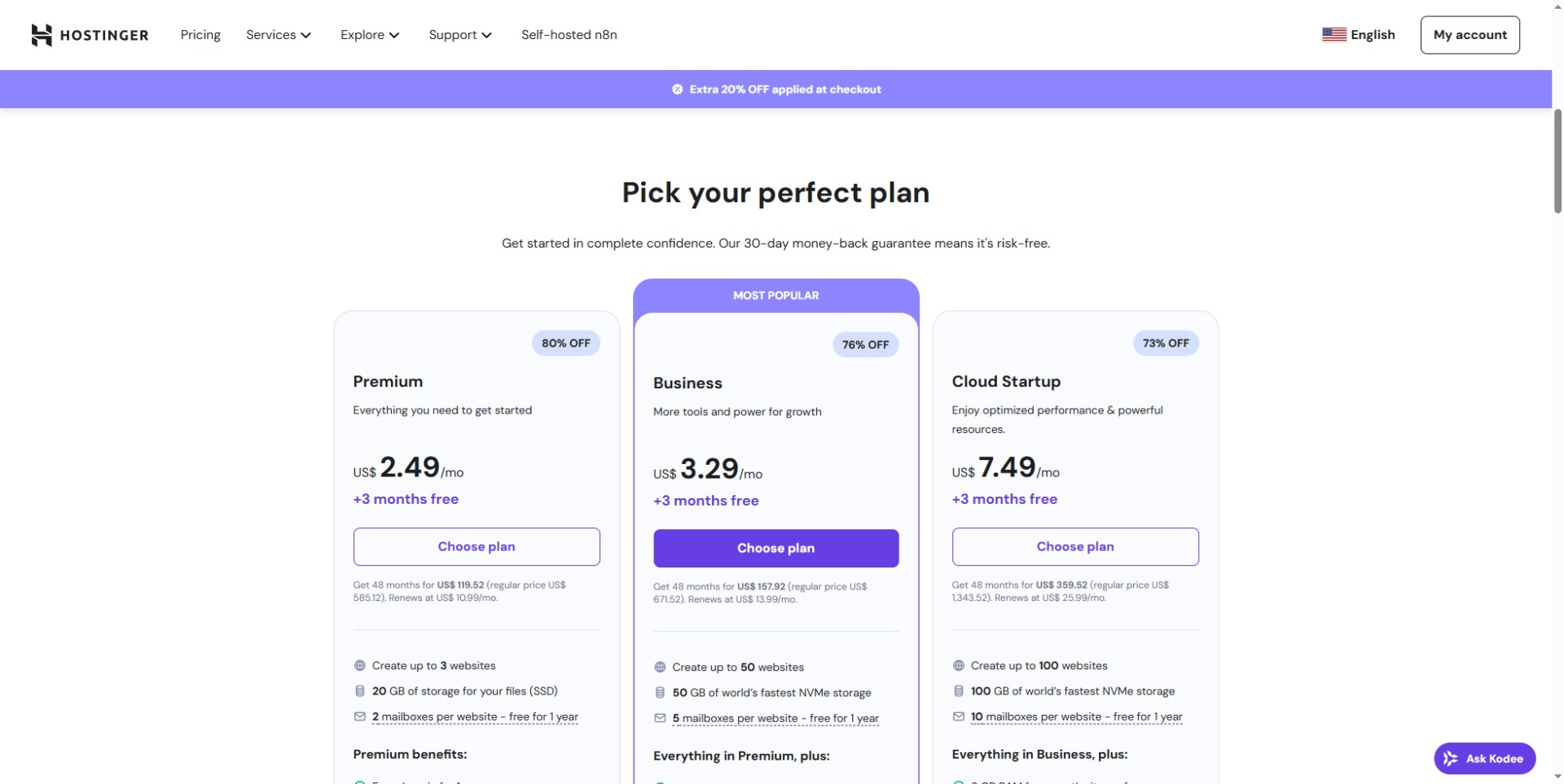
I’ve just secured a website development project for a European ship model brand. Using this project as a demonstration, follow along with me as we build your own website step by step.
First, you need to register an account on this Web hosting site and log in to the website.
Select your preferred language from the language switcher in the upper-right corner.
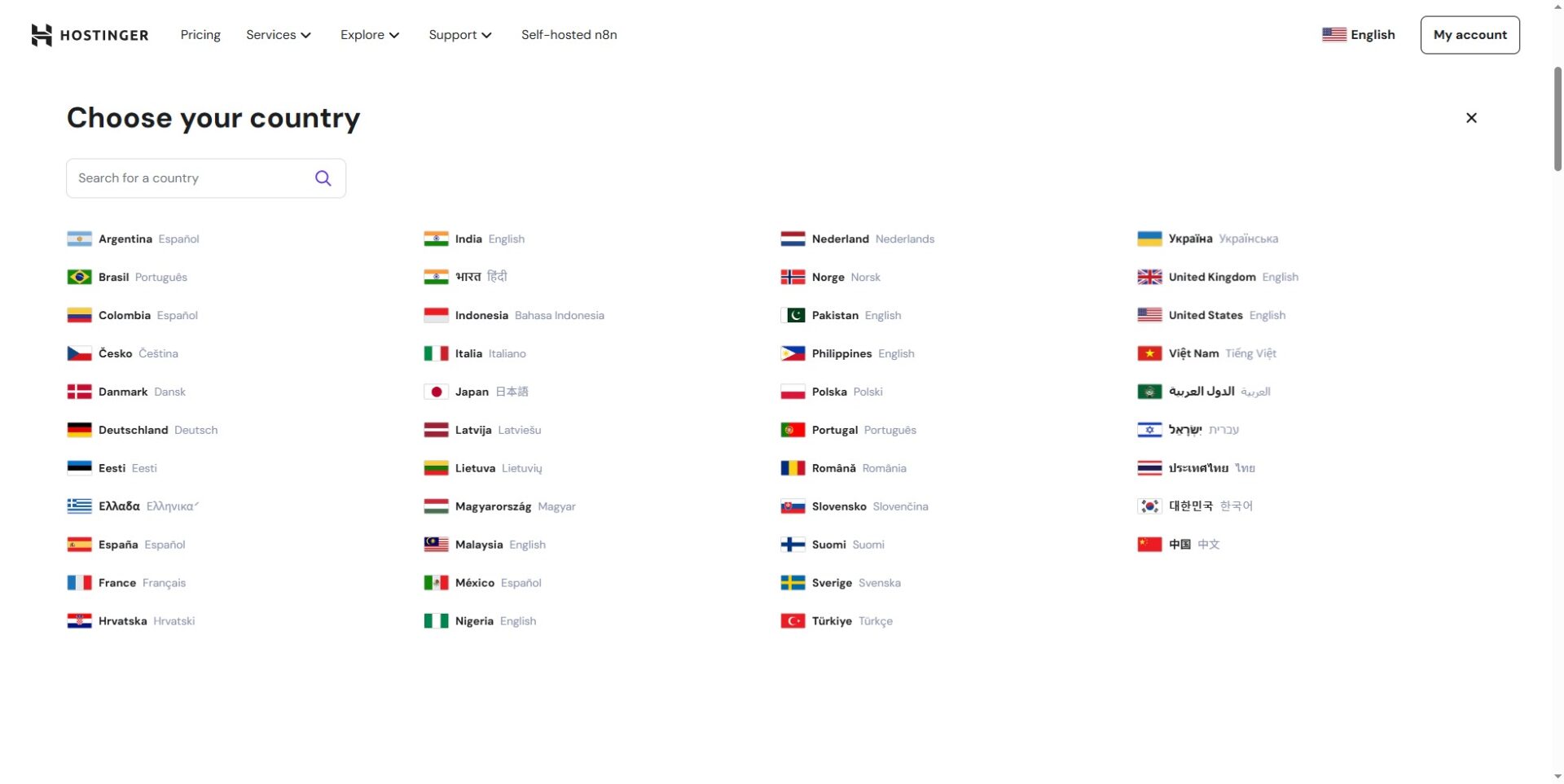
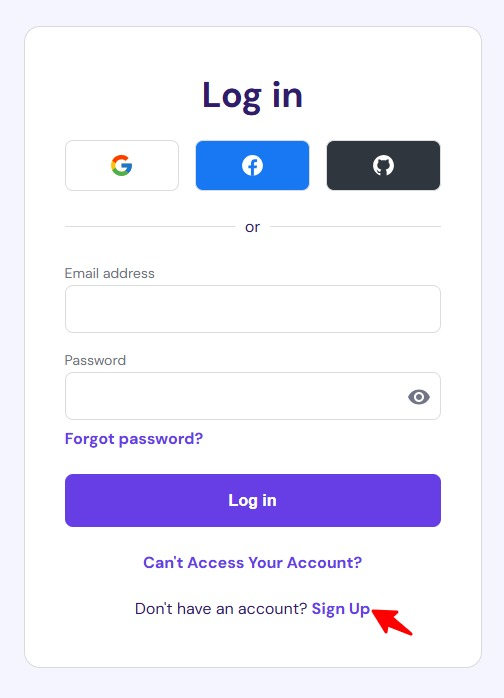
Tap the My Account menu in the top-right corner. You can choose to log in quickly using your Google or Facebook account, or register a new account with your email address.
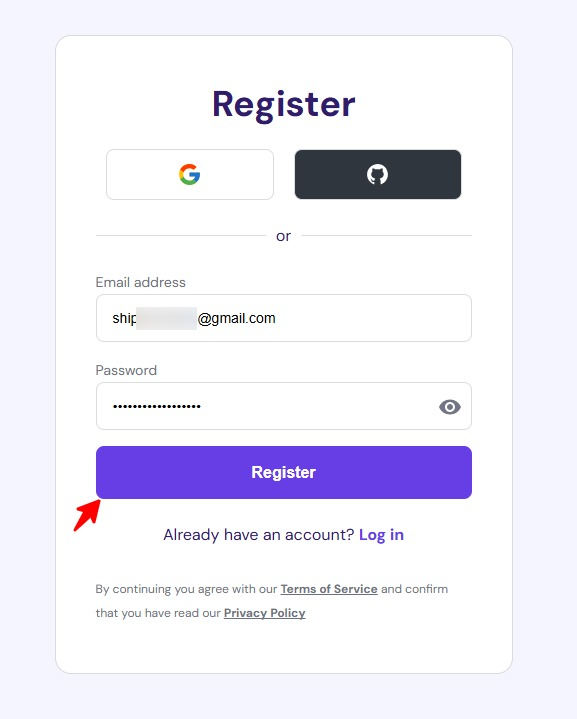
Enter your email and password, then click the Register button.
Registration successful and automatically logged in. This interface is where you will register domains, add new websites, manage backups, and more in the future. This is not your future website management backend, but rather the room management permissions where your website is stored.
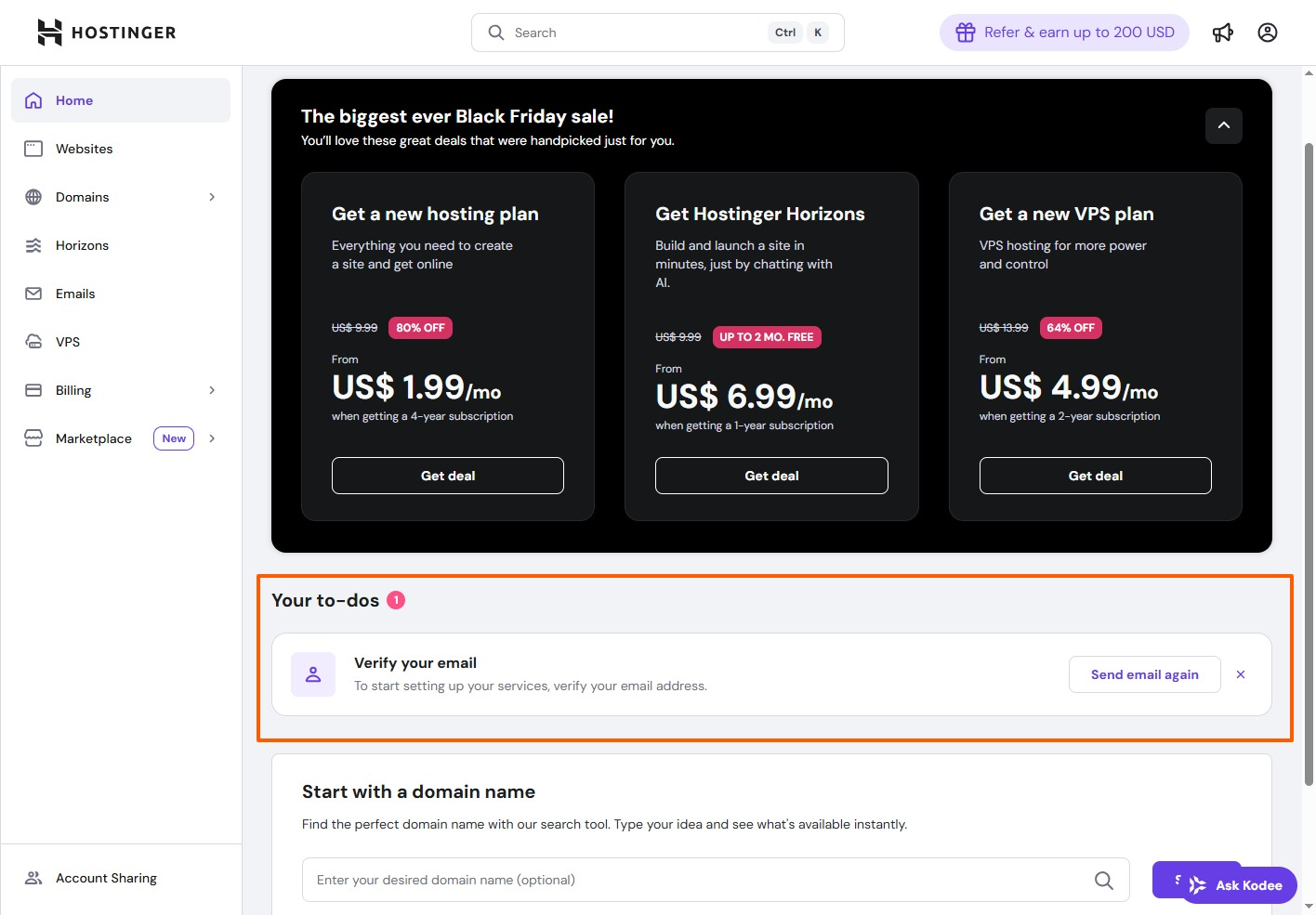
Log in to your email account and click to verify your email address.
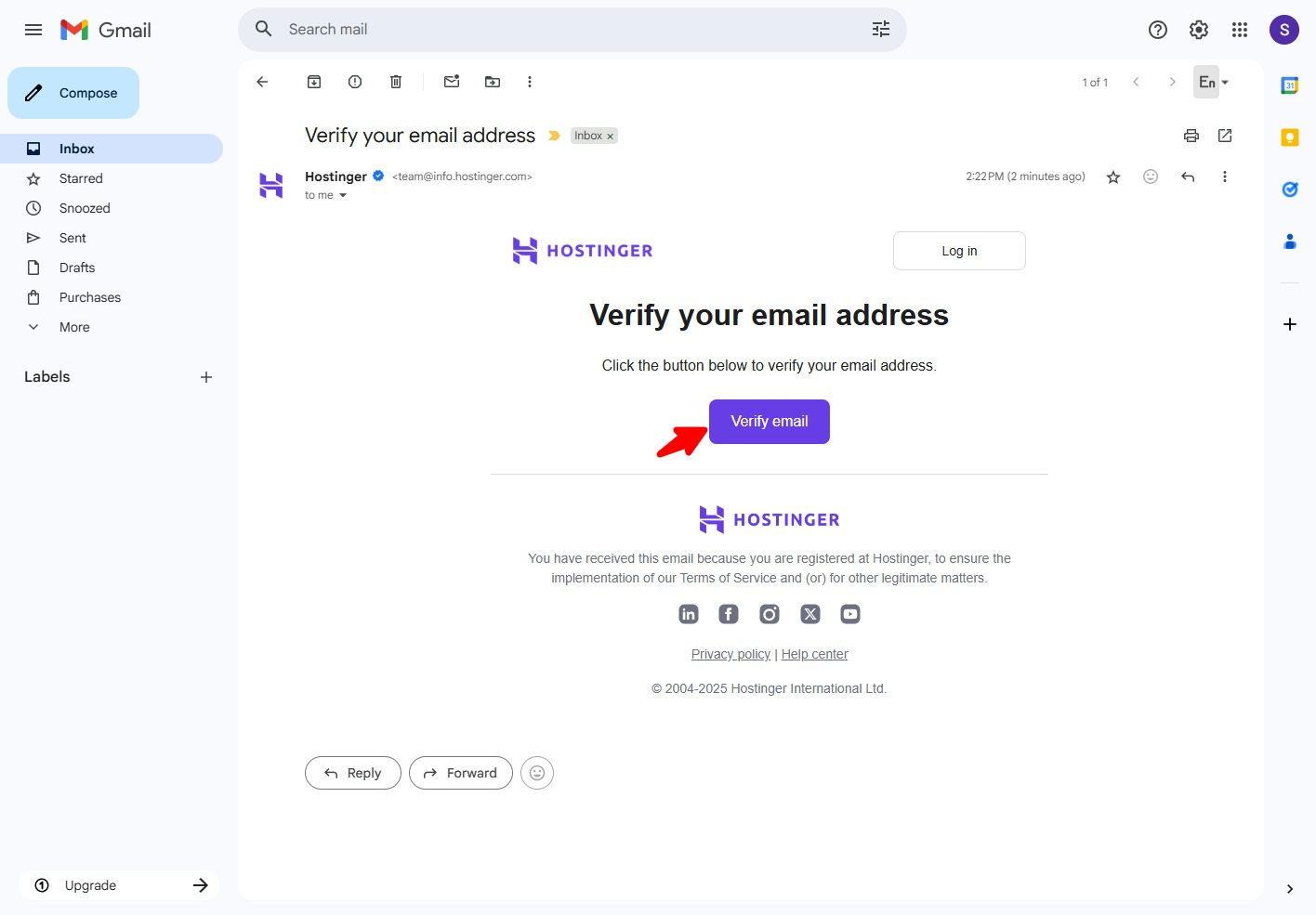
Clicking the email verification link will automatically open and redirect you to your Hostinger account management dashboard. The next step is to select a domain name, and the platform will provide one year of domain registration free of charge.
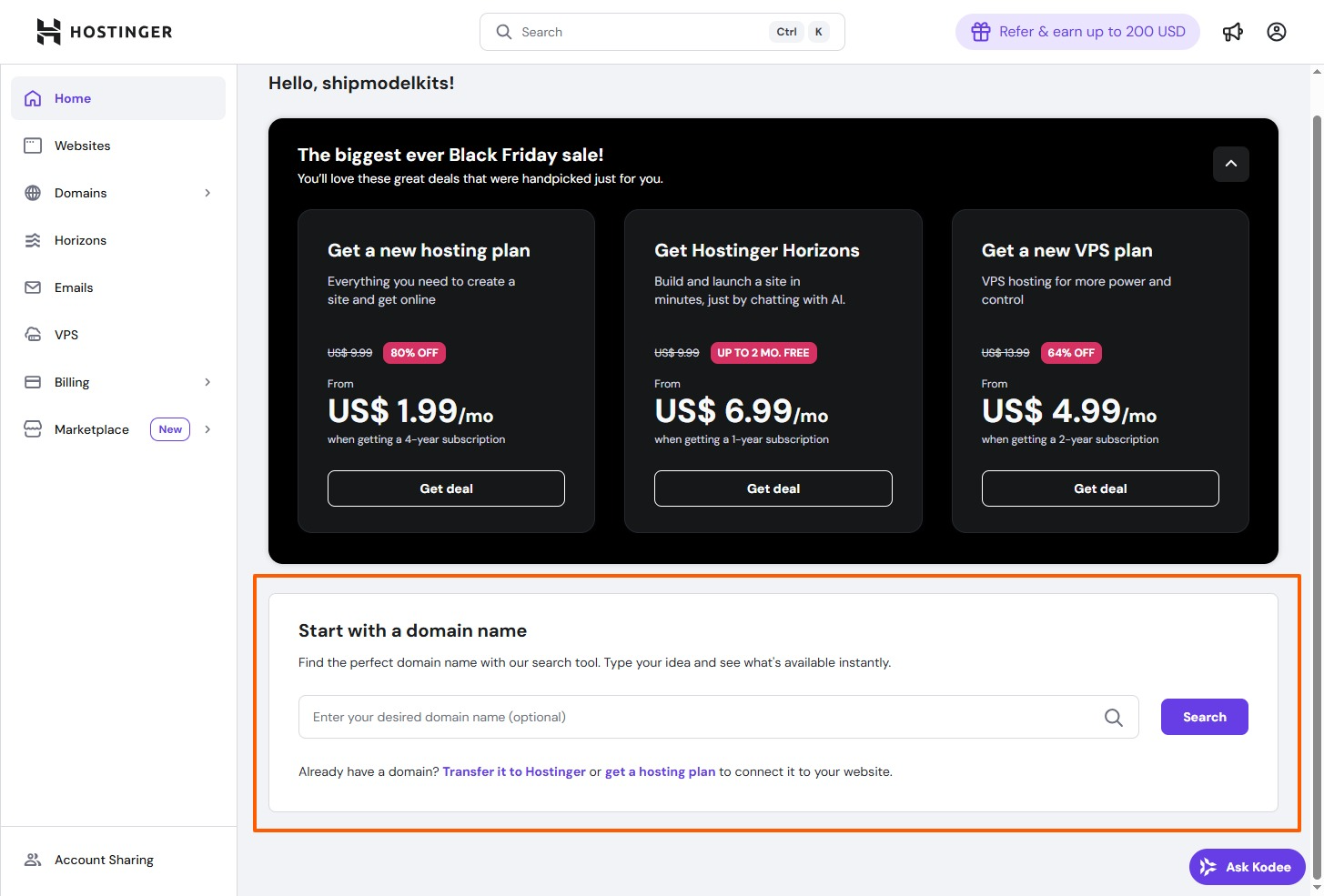
Enter your desired domain name in the search box, click Search, and check if the result is available for registration. We’ll cover how to choose a domain name in our next lesson.
Of course, you can also choose a hosting plan first, set up your website, and then select a domain name. You can change and bind your domain name at any time.

